When Construction Bookkeeping Outgrows Basic Software
Share this article
Construction bookkeeping outgrows basic software when keeping the books accurate requires repeated spreadsheet fixes, while reliable job margins arrive too late to act on. The right construction accounting software, or a better connection between accounting and field operations, should make costs traceable to each job without rebuilding the numbers every week. For small and mid-sized contractors across North America, the trigger is workflow complexity, not a specific revenue or employee count.
What are the signs your bookkeeping has outgrown basic software?
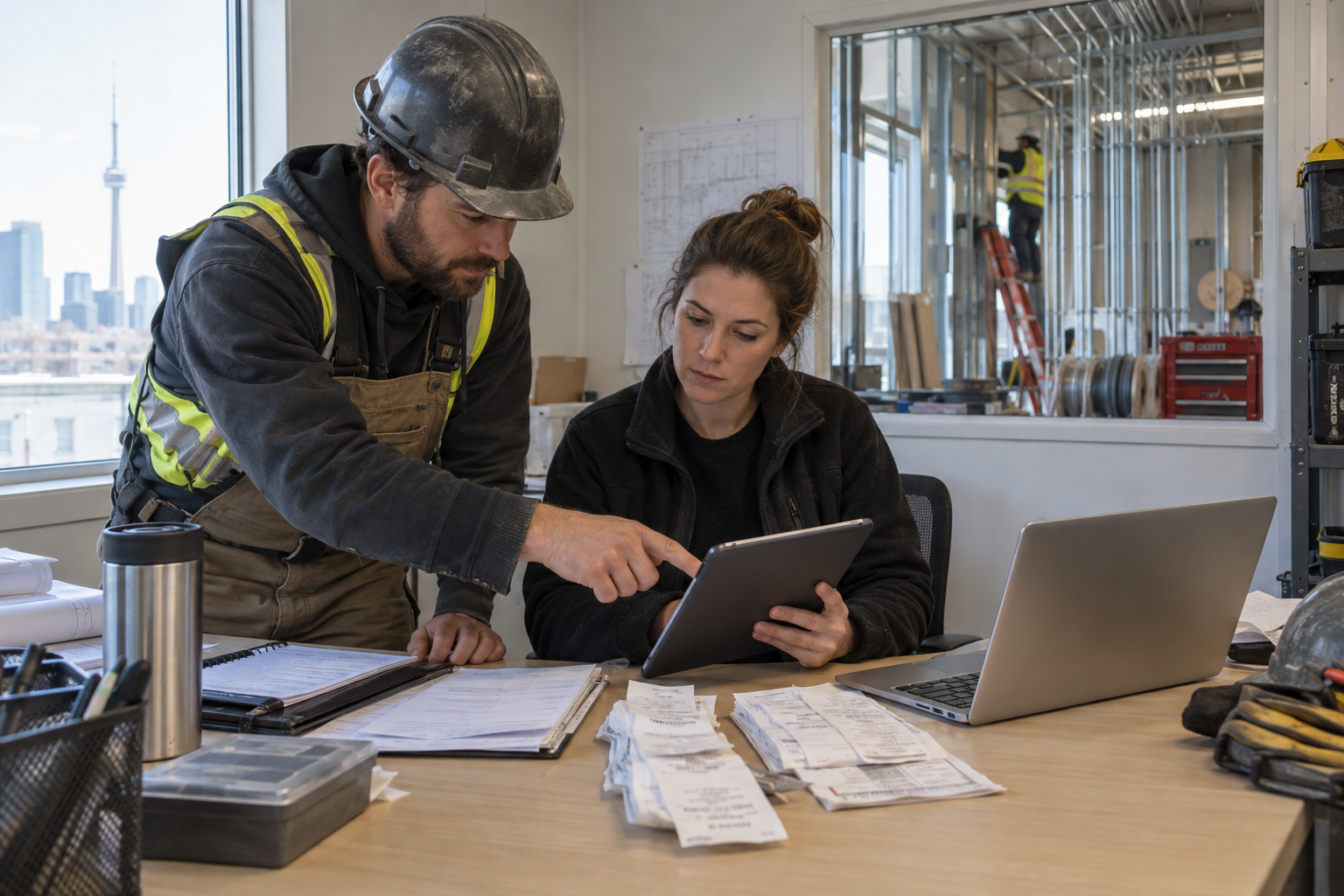
The clearest warning is a recurring gap between what happened on the job and what your financial reports show. If your bookkeeper must reconstruct that story from texts, receipts, and separate spreadsheets, your current workflow is no longer keeping pace.
One late receipt is not a software problem. Repeatedly missing costs across several active jobs is a control problem worth investigating.
Warning signFinancial riskCapability to investigatePayroll is accurate, but hours lack job codesJob labor costs are understated or misallocatedJob-coded time capture and supervisor approvalPurchase orders live outside job reportsFuture obligations are invisibleCommitted cost trackingChange orders stay in emailExtra work gets missed or billed lateDocumented change approval and billing statusMargins change sharply after month-endOwners act on incomplete informationTimely cost capture and reconciliationRetainage or holdbacks use disconnected spreadsheetsCollection dates and balances become unclearSeparate tracking and contract-level reportingStaff rekey the same transactionDuplicate entries and inconsistent coding increaseValidated integrations with exception handling
Track these exceptions through a full payroll and billing cycle. Record who fixes each one, how long it takes, and whether it affects a financial decision. That gives you a buying brief based on actual problems rather than a generic feature list.
For a deeper diagnostic, review these signs your accounting software is hurting job costing.
Why can accurate books still hide an unprofitable job?
Accurate books record financial transactions correctly; useful job costing also shows where those costs belong and what remains to be spent. A reconciled bank account does not prove that every active project's margin is reliable.
Consider a contractor whose payroll is fully recorded under wages. The company income statement may be correct, but individual job reports remain misleading if those wages are not assigned to the projects where people worked.
The same problem appears with supplier invoices awaiting entry, ordered materials not yet delivered, and extra work performed without documented approval. None becomes visible just because the bank reconciliation is complete.
Separate three different views of cost
Actual costs: Costs already recorded against the job.
Committed costs: Outstanding purchase or subcontract obligations not already included in actual costs.
Forecast remaining costs: The additional spending expected to finish the work.
Keep these categories distinct to avoid double counting. If your estimate to complete already includes outstanding purchase orders, do not add those commitments again.
Good accounting for contractors also separates direct job costs from overhead. Apply labor burden consistently, including relevant employer payroll costs and benefits, without recording the same expense twice. Your accountant should help define that treatment. Our step-by-step construction job costing guide explains the underlying workflow.
Do you need new construction accounting software or better connections?
You need a new accounting system when the ledger, reporting structure, or financial controls cannot support your requirements. You may only need better connections when the accounting system works but field information arrives late or without usable job codes.
These are different purchases. Replacing a functioning ledger will not fix crews choosing the wrong job, supervisors skipping approvals, or invoices sitting in a truck.
Keep and connect when the accounting foundation works
Retaining your current system can make sense when bank reconciliation, payables, receivables, and accountant access work well. First investigate configuration, available subscription features, and integrations that address the specific gaps.
QuickBooks Online may remain the accounting foundation while connected contractor management software handles field workflows. Confirm the exact records exchanged, sync direction, approval requirements, and error handling. An integration label alone does not tell you whether job codes or corrections transfer correctly.
Consider replacement when structural limits remain
A replacement deserves evaluation when essential requirements cannot be met reliably through configuration or supported integrations. Examples include more complex entity reporting, contract billing, audit controls, or work-in-progress reporting needs.
Compare the whole process, including accountant work outside the software. A familiar workaround may be acceptable for an occasional exception but unsuitable for every invoice on every project.
Which financial reports should growing contractors review weekly?
Growing contractors should review job cost performance, forecast final margins, outstanding receivables, upcoming obligations, and unbilled work every week. These operational reviews complement month-end accounting rather than replace it.
Use the same reporting cutoff each week and mark missing information clearly. A timely report with disclosed gaps is more useful than a polished report that quietly excludes last week's labor.
Budget versus actual by job and cost category: Find labor, material, and subcontract overruns before they spread.
Forecast final job margin: Compare expected contract revenue with actual costs plus the estimate to complete.
Receivables aging: Identify overdue invoices, disputes, and balances subject to retainage or holdback.
Near-term cash requirements: Compare expected collections with payroll, supplier payments, taxes, and other obligations.
Unbilled work and pending changes: Identify completed work awaiting documentation, approval, or a contractual billing milestone.
A simple labor warning
Suppose a job has a budget of 400 labor hours. The crew has used 240 hours, but the supervisor estimates the work is only 50% complete. If productivity stays unchanged, the job could require 480 hours, or 20% more than budget.
That is a forecast, not a certainty: remaining tasks may have different labor requirements. Still, it creates a useful conversation now, while scheduling and work methods can change.
For longer contracts, have your accountant define appropriate work-in-progress and revenue recognition methods. Billing, cash collection, and earned revenue are not interchangeable.
How should you evaluate software before committing?
Evaluate construction financial management tools with one representative job and your actual exceptions, not just a vendor's clean demonstration data. Require the system to show how information moves from field entry to an approved financial report.
For a scaling construction business, software should reduce reconciliation work without weakening oversight. Bring your bookkeeper, operations lead, and accountant into the evaluation.
Trace labor: Enter time against a job and cost category, approve it, then inspect the resulting records.
Trace purchasing: Follow a purchase commitment through receipt, supplier invoice, and job reporting. Check for double counting.
Trace a change: Distinguish requested, approved, performed, and billed work. Do not automatically treat disputed extras as collectible revenue.
Test a correction: Move an incorrectly coded entry and inspect its history, permissions, and downstream effects.
Test a sync failure: Ask who sees the error, how it is resolved, and what prevents duplicate records.
Verify local requirements: Confirm support for your actual tax, payroll, and contract workflows with your accountant.
In the US, requirements may involve state and local taxes, retainage, or prevailing wage reporting where applicable. In Canada, check relevant GST/HST, provincial sales tax, payroll, and holdback workflows. Availability of a feature does not establish compliance in every jurisdiction.
Also request a usable data export and confirm ownership of your records. For broader selection criteria, see our contractor's guide to choosing construction management software.
How do you upgrade without disrupting payroll and billing?
Upgrade in stages, with clear data ownership and reconciled checkpoints before changing payroll or billing workflows. Start with a controlled pilot rather than moving every active project at once.
Clean up duplicate customers, inconsistent job names, inactive cost codes, and unresolved balances first. Moving untidy records into new software usually moves the confusion with them.
Define the source of truth: Decide which system owns customers, jobs, time approvals, invoices, and accounting balances.
Set a cutoff: Agree with your bookkeeper and accountant on migration dates, opening balances, and historical records to retain.
Pilot representative work: Include an active job with labor, purchases, and a change order.
Reconcile before expanding: Compare time totals, job costs, receivables, payables, and applicable holdbacks.
Assign exception owners: Name who handles missing time, uncoded invoices, integration errors, and disputed changes.
Keep any parallel checking controlled so it does not create duplicate payroll or invoices. Measure success through fewer uncoded transactions, faster reporting, and less correction time, not simply whether everyone has logged in.
Build financial control before adding more complexity
The best construction accounting software setup gives your team trustworthy job information while keeping accounting records consistent. Fix the broken handoff first, then add capabilities that address proven needs.
Tradetraks brings together TimeTrak for free time tracking connected to QuickBooks Online, FinTrak for job costing and financials, and OpsTrak for operations, dispatch, and projects. Use a demonstration to verify your specific workflows and integration scope rather than assume every requirement is covered. Built by the Trades, for the Trades.
Bring a current job report, a payroll workflow, and your biggest bookkeeping bottleneck. Book a Personalized Demo to explore where Tradetraks fits your business.
Frequently asked questions
How do I know when my construction business has outgrown basic accounting software?
You have outgrown basic accounting software when routine job reporting depends on recurring manual workarounds. Common signs include uncoded payroll, separate change order spreadsheets, missing purchase commitments, and margins that change substantially after month-end. First check whether configuration or inconsistent processes cause the problem before deciding you need a replacement.
Is QuickBooks Online enough for a small construction company?
QuickBooks Online can be enough for a small construction company's core bookkeeping, depending on its subscription, setup, and reporting needs. More complex operations may need connected tools for field time, job costing, or project control. Evaluate the complete workflow, including approvals and reconciliation, rather than assuming either QuickBooks alone or a replacement will solve every gap.
What features should construction accounting software include?
Construction accounting software should support reliable job-level reporting, cost categorization, receivables, payables, and traceable corrections. Depending on your contracts, you may also need progress billing, retainage or holdback tracking, committed costs, and work-in-progress reporting. Confirm which capabilities are native, which require integrations, and which still depend on manual accountant adjustments.
What is the difference between construction bookkeeping and job costing?
Construction bookkeeping records and reconciles financial transactions, while job costing assigns costs to specific projects and compares them with budgets. A company can have accurate books but weak job costing if labor and purchases lack project codes. Effective financial control connects both disciplines and adds estimates of the costs still required to finish each job.